One of the lesser-appreciated features of Google’s Android mobile operating system is the ability to switch your default apps without fuss. Your default web browser, phone app, caller ID and spam app, digital assistant app, home app, and Short Message Service (SMS) texting app are all easily interchangable with third-party alternatives.
There are many, many reasons to be critical of Google, but I’ll give credit where credit is due: the tech giant has done a reasonably good job of making Android a flexible OS, messaging apps included. If you’re wondering how to make the switch to a third-party text messaging app, or you simply want to try out something that isn’t Google Messages, then all it’ll take is a couple of purposeful screen taps.
Related
These 5 third-party Android messaging apps bring me back to the glory days of SMS texting
Google Messages isn’t the only Android texting app in town — here are some excellent third-party alternatives.
How to switch out your default SMS texting app on Android
The entire process only takes a few moments to complete
In order to switch from one Android texting app to an alternative one, follow these steps:
- Download a third-party text messaging app from the Google Play Store, if you don’t already have one installed on your Android phone.
- Locate this third-party texting app from within your phone’s app drawer, and tap on its icon to launch the software.
- Immediately, you’ll be greeter with a splash screen. You’ll want to tap on the Set default SMS app button.
- From the list presented, tap on the text messaging app of your choice.
- Tap on Set as default.
Each messaging app has its own unique ‘set as default messaging app’ splash screen, but in every case, there’s only ever a single button you have to worry about tapping.
And just like that, whichever texting app you’ve chosen will start working as your new default — it’ll automatically update and sync up all your existing text message threads, with no additional input required. The process to go back to your previously selected texting app is identical, but simply in reverse.
If you’re looking for some excellent third-party messaging app recommendations, Pocket-lint has a dedicated article on the topic. In short, some popular options include:

Related
Apple’s rollout of RCS in iOS 18 has not been a success
The introduction of RCS in Apple’s latest update has not unified messaging between Android and iOS in the way many were expecting.
Google is the undisputed leader when it comes to modern Android text messaging
That being said, third-party SMS apps still have their place in the market
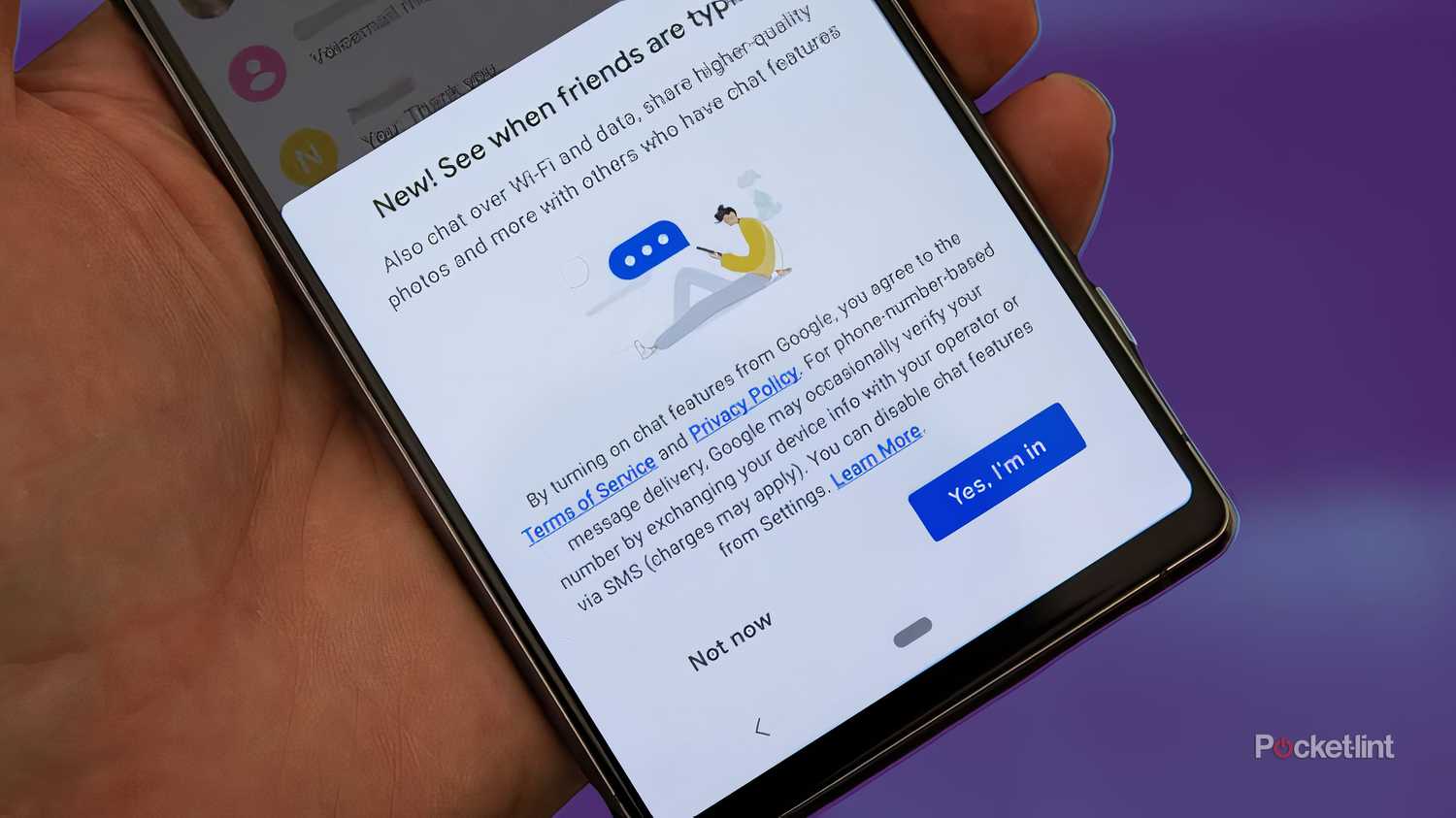
In recent years, we’ve seen Google push aggressively to make its own Messages app the de facto texting experience on Android. The tech giant has emphasized its own implementation of the Rich Communication Services (RCS) protocol, and has brokered deals with giants like Samsung to include the service on new phones by default.
In fact, as it currently stands, the Android Open Source Project (AOSP) or ‘vanilla’ version of Android doesn’t even have an actively maintained app for messaging friends and family. Instead, it’s up to smartphone OEMs and third-party developers to fill the Google-sized void in the room.
I can envision an eventual RCS-powered renaissance in the Android texting app scene.
Thankfully, while the current selection of alternative SMS apps isn’t massive, the available options are still being regularly updated. If the newer RCS texting standard continues to gain industry prominence — and it’s a safe bet that it’ll do so — then I can envision an eventual RCS-powered renaissance in the Android texting app scene.
Of course, as a prerequisite, this would require Google to open up its unique flavor of the RCS protocol to third-parties in the form of a developer API. For the time being, the majority of texting apps on Android fall into one of two camps: those that rely on the now-ancient SMS standard, and those funded by deep pockets that can afford to build proprietary messaging technologies à la WhatsApp, Discord, and others.

Related
Apple takes Messages to the next level with scheduled send and more fun features
It’s not AI-centric, but these new iOS 18 iMessage features boast more efficient, personality-filled communication.
Trending Products


LG UltraGear QHD 27-Inch Gaming Monitor 27GL83A-B – IPS 1ms (GtG), with HDR 10 Compatibility, NVIDIA G-SYNC, and AMD FreeSync, 144Hz, Black

Acer Nitro 27″ WQHD 2560 x 1440 PC Gaming IPS Monitor | AMD FreeSync Premium Up to 180Hz Refresh 0.5ms DCI-P3 95% 1 Display Port 1.2 & 2 HDMI 2.0 XV271U M3bmiiprx,Black



Lenovo 15.6″ FHD Laptop, Intel Pentium N6000 Quad-core Processor, 16GB Memory, 1TB SSD Storage, Ethernet Port, HDMI, USB-C, WiFi & Bluetooth, Windows 11 Home, WOWPC USB Bundle